

Your best CS2 rounds, rendered
Connect Steam or FACEIT. DEMO-SLAP turns your demos into highlight clips and beat-synced montages, recorded in a real CS2 client.
Clips worth posting
Your best rounds as highlight clips, or all of them in one montage cut to the beat.

Highlights
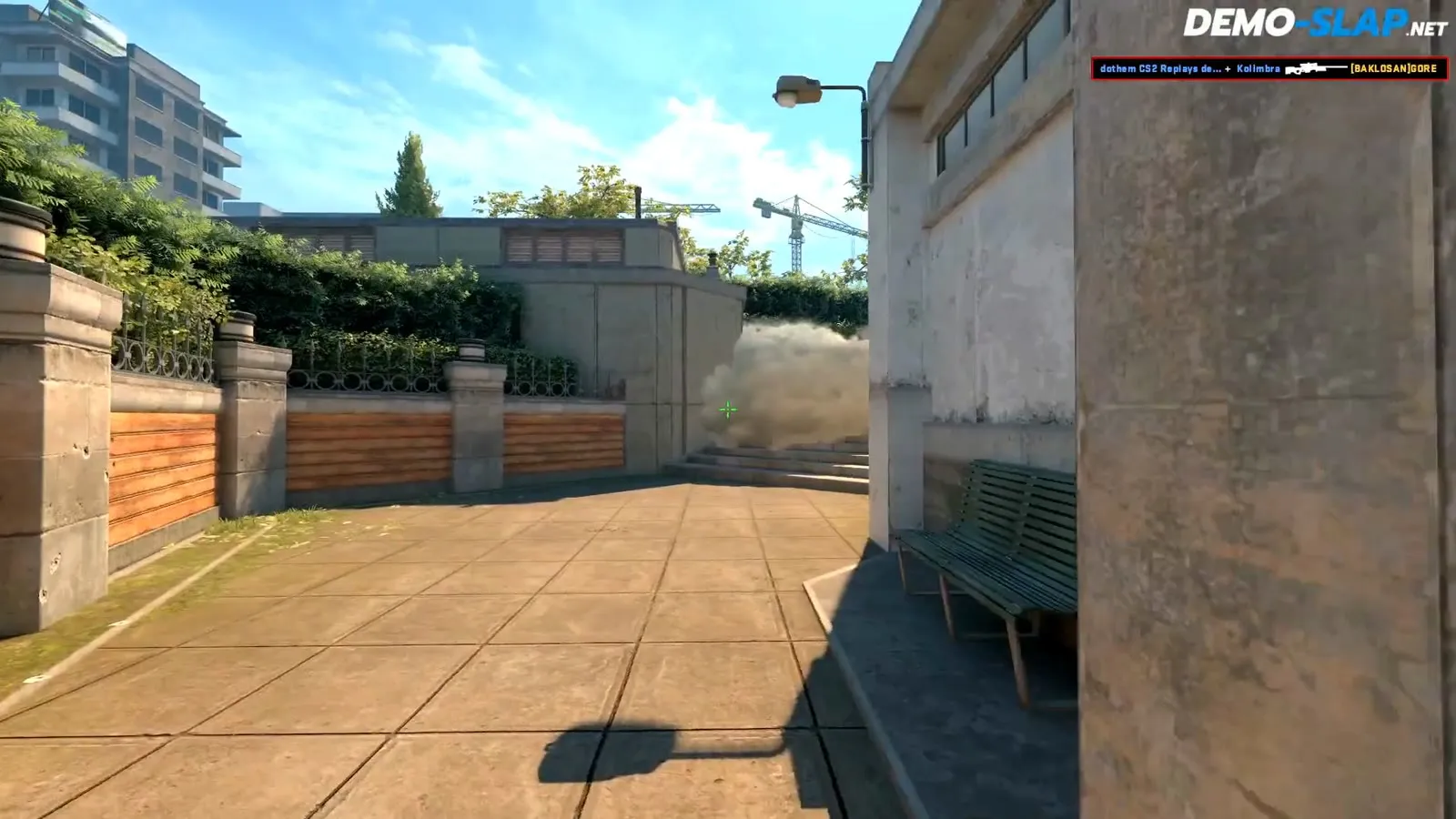
Always high resolutionEvery ace, clutch and multi-kill as its own clip.
- 2K to 5K, clutches and multi-kills
- Recorded in a real CS2 client
- Post to TikTok, YouTube or Instagram


Montages
Cut to the beatStitch your best clips into one video, cut to the music.
- Pick music, transitions and effects
- Every cut snaps to the beat
- One video for your channel


;}%20%3c/style%3e%3cg%3e%3clinearGradient%20id='SVGID_1_'%20gradientUnits='userSpaceOnUse'%20x1='119.5341'%20y1='189.3787'%20x2='119.5341'%20y2='0.4899'%20gradientTransform='matrix(1%200%200%20-1%200%20189.3787)'%3e%3cstop%20offset='0'%20style='stop-color:%23FF5F00'/%3e%3cstop%20offset='0.2652'%20style='stop-color:%23FF6506'/%3e%3cstop%20offset='0.4804'%20style='stop-color:%23FF6E0F'/%3e%3cstop%20offset='0.4816'%20style='stop-color:%23FE690C'/%3e%3cstop%20offset='0.4862'%20style='stop-color:%23FD5E05'/%3e%3cstop%20offset='0.4927'%20style='stop-color:%23FC5701'/%3e%3cstop%20offset='0.5108'%20style='stop-color:%23FC5500'/%3e%3cstop%20offset='0.775'%20style='stop-color:%23FE6300'/%3e%3cstop%20offset='1'%20style='stop-color:%23FF6900'/%3e%3c/linearGradient%3e%3cpath%20class='st0'%20d='M239.1,1.8c0-1.9-2.1-2.5-3.1-1c-29.1,44.7-45.5,70.2-60.3,93.4c-55,0-134.2,0-173.5,0c-2.2,0-3,2.8-1.1,3.5%20c72,27.2,176,68.1,234.1,91c1.5,0.6,3.9-0.8,3.9-1.8L239.1,1.8L239.1,1.8z'/%3e%3c/g%3e%3c/svg%3e) FACEIT .dem upload
FACEIT .dem upload Rendered this week
The most watched clips from the community. No editor touched them.


From demo to clip in four steps
No editor, no install, no console commands. You play, DEMO-SLAP does the cutting.
Watch the 2-minute guide
Add a matchConnect FACEIT or Steam once and every new match shows up by itself. No downloading demos.
FACEITNew matches are imported automatically.OnWe analyze itEvery round, every kill. We find your aces, clutches and multi-kills in minutes.

- 4K Round 14
 Headshot
- 3K Round 111v2 clutch
- 3K Round 19
 Wallbang
 - 2K Round 21
 Through smoke
Pick what to makeHighlights and montages to share, cheater analysis to report, coaching to get better. You pick, we cut.
Entry1v2Wallbang No-scope
Render and shareRecorded in a real CS2 client in high resolution. Stitch your clips into a montage and post it to TikTok or YouTube.
 1:400:35Rendering 4K
 Ask your AI to cut the clip
Connect DEMO-SLAP to Claude, ChatGPT or Cursor once. Then analyze demos and render clips right from the chat.
OAuth with Steam sign-in. No API keys to paste or leak.
Setup guide and API DEMO-SLAP
 Analyzed Nuke (13:9). Your best round is round 14, a 4K with the AK-47. Rendering it now in high resolution.
 4K
4KFree to start. Pay per video.
No subscription. Credits pay for analyzing matches and rendering videos, and you see the price before every render.
What credits buy
- Analyze a match1 credit
- Highlight clip, high resolution5 credits
- Cheater analysis1 per kill
- Coaching, both POVs2 per death
- Fails1 per death
- 2D demo viewerFree
- Failed rendersRefunded
- Failed renders are refunded automatically
- Purchased credits never expire
- Or donate CS2 items you do not use
- Secure checkout with Stripe
Is DEMO-SLAP free?
You can use it for free. During the beta your balance is topped up to 17 credits every day if you have less, enough to analyze a match and render your best highlights. Need more? Buy a credit bundle or donate CS2 items you do not use.
What does Steam sign-in give DEMO-SLAP access to?
Your Steam credentials stay with Steam. You sign in on Steam’s own page, and DEMO-SLAP can only read publicly viewable Steam profile information.
Where do my matches come from?
Connect FACEIT or Steam match sharing once and new Premier, Competitive, Wingman and FACEIT matches are added by themselves. You can also paste a demo link from your Steam match history or upload a .dem file.
How long are my matches and clips stored?
Matches, clips, montages and exports are removed 90 days after they were created. Download anything you want to keep.
My render failed. Do I lose credits?
No. Failed renders are refunded automatically, and you can try again from the clip.
Why can my demo not be analyzed or rendered?
Demos played on community servers with a Workshop copy of a map are not supported, and demos from older CS2 versions may fail. Steam also deletes demos after about 30 days, so older matches cannot be downloaded any more.
Do purchased credits expire?
No. Purchased credits do not expire and are non-transferable. For a refund of unused credits from a card purchase, write to info@demo-slap.net within 14 days of the purchase.
Can I use DEMO-SLAP from Claude or ChatGPT?
Yes. Add the MCP connector to any assistant that supports remote connectors with OAuth, including Claude, ChatGPT and Cursor. Then ask it to analyze a match or render your best rounds.

Ready to slap your first demo?
Sign in with Steam, pick a match, and let DEMO-SLAP do the rest. No install, no credit card.
Start with Steam Steam sign-in happens on Steam. We never get your Steam credentials.